
WindControl
Key Concepts
Modules
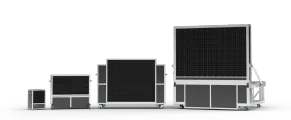
Windshapers are made up of modules, which are the basic building blocks of the machine.
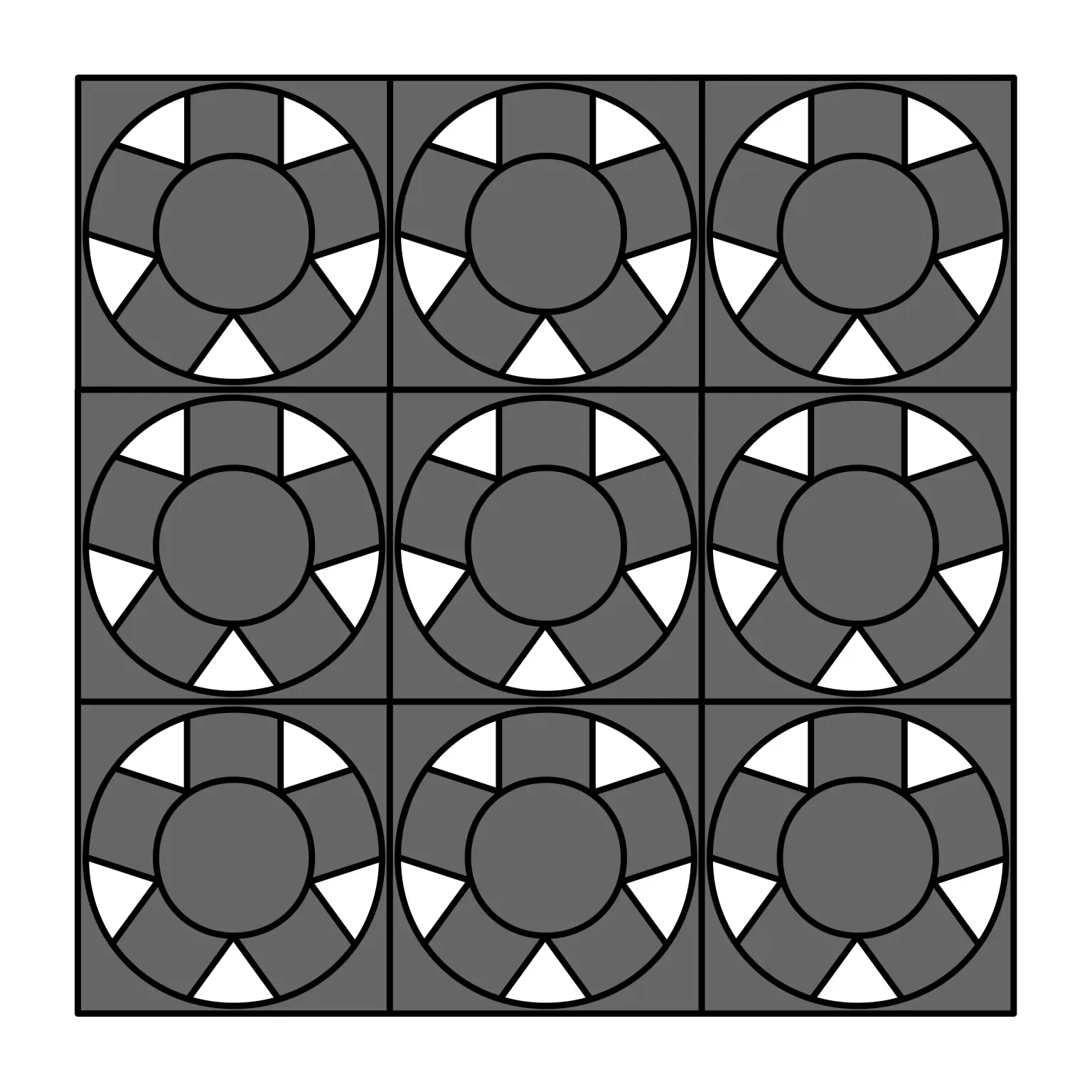
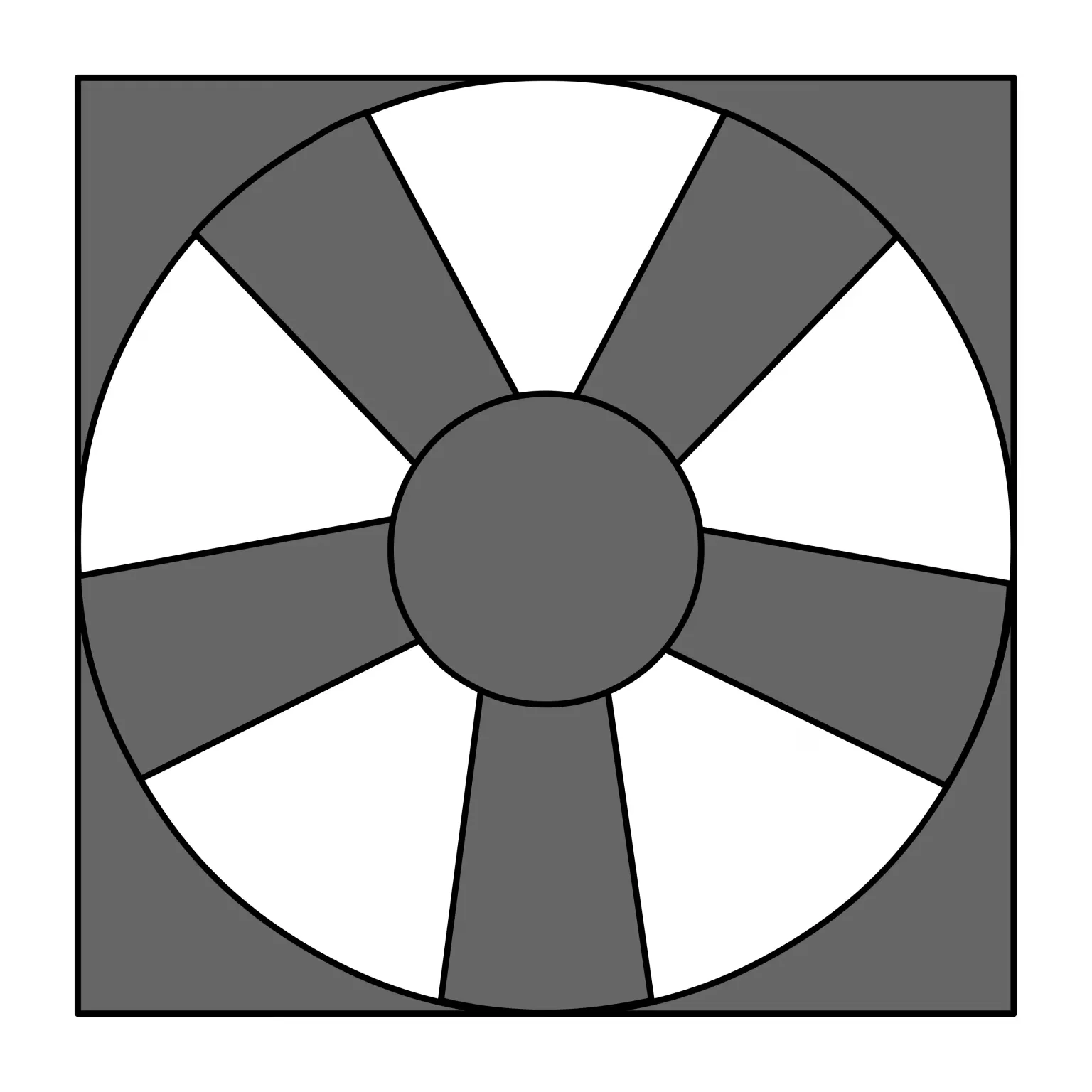
Each module can contain multiple fans (3x3 for 0816 modules) or a single fan (2420 modules).
Modules are arranged in rows and columns to form the complete machine.
Fan Checkers pattern result
Indexing
All user-facing indices are 1-based:
- Rows (modules): 1 to number of rows
- Columns (modules): 1 to number of columns
- Fans (for 0816 modules): 1 to 9 in a 3x3 grid layout
Fan numbering in 0816 modules (3x3 grid):
┌─────┬─────┬─────┐
│  1  │  2  │  3  │
├─────┼─────┼─────┤
│  4  │  5  │  6  │
├─────┼─────┼─────┤
│  7  │  8  │  9  │
└─────┴─────┴─────┘
Index (1,1) refers to the top-left module when viewing from the downstream side of the WindShaper.
Layer Selection
- Use
.downstream()to select the downstream layer - Use
.upstream()to select the upstream layer - Not specifying a layer selects both layers (default)
Intensity
The intensity is given as a percentage (0.00-100.00%) with 2 decimal precision.
Builder Pattern
The fan control interface uses a builder pattern. You can chain multiple selection methods and apply an intensity to the selected fans.
Each time you set an intensity with set_intensity(), the currently selected fans are applied the given intensity internally, and the selection is reset.
The actual PWM command is only sent to the machine when you call apply(). You can also directly chain apply() after the last set_intensity() call.
# This sets and applies 75% intensity to fan(s) at row 1, column 2
fan_controller.row(1).column(2).set_intensity(75).apply()

# This sets 50% to row 1, then 80% to row 2, and applies both changes at once
fan_controller.row(1).set_intensity(50)
fan_controller.row(2).set_intensity(80)
fan_controller.apply()
This lets you create a wind profile in multiple selection calls and only apply when ready.
PSU Control
The SDK also allows you to control the PSU state (on/off) with set_psus(). You can give the state to apply to all PSUs of the machine.
import os
import threading
import time

from dotenv import load_dotenv
from windsuite_sdk import WindsuiteSDK

load_dotenv()

SERVER_IP_ADDRESS = os.getenv("SERVER_IP_ADDRESS", default="localhost")

stop_event = threading.Event()

def main() -> None:
    base_url = f"http://{SERVER_IP_ADDRESS}"

    print(f"Connecting to WindSuite server at {base_url}")

    sdk = WindsuiteSDK(base_url=base_url)
    sdk.start_communication()

    main_loop_hz = 0.2

    try:
        sdk.set_psu(state=True)
        stop_event.wait(timeout=2)
        print("Turning PSUs ON...")

        while not stop_event.wait(timeout=(1.0 / main_loop_hz)):
            # ! DO WHATEVER
            pass

    except KeyboardInterrupt:
        print("\nShutting down...")
        stop_event.set()
    finally:
        sdk.fan_controller.set_intensity(0).apply()
        sdk.cleanup()
        print("SDK stopped")


if __name__ == "__main__":
    main()
Basic Usage
Set All Fans to a Single Intensity
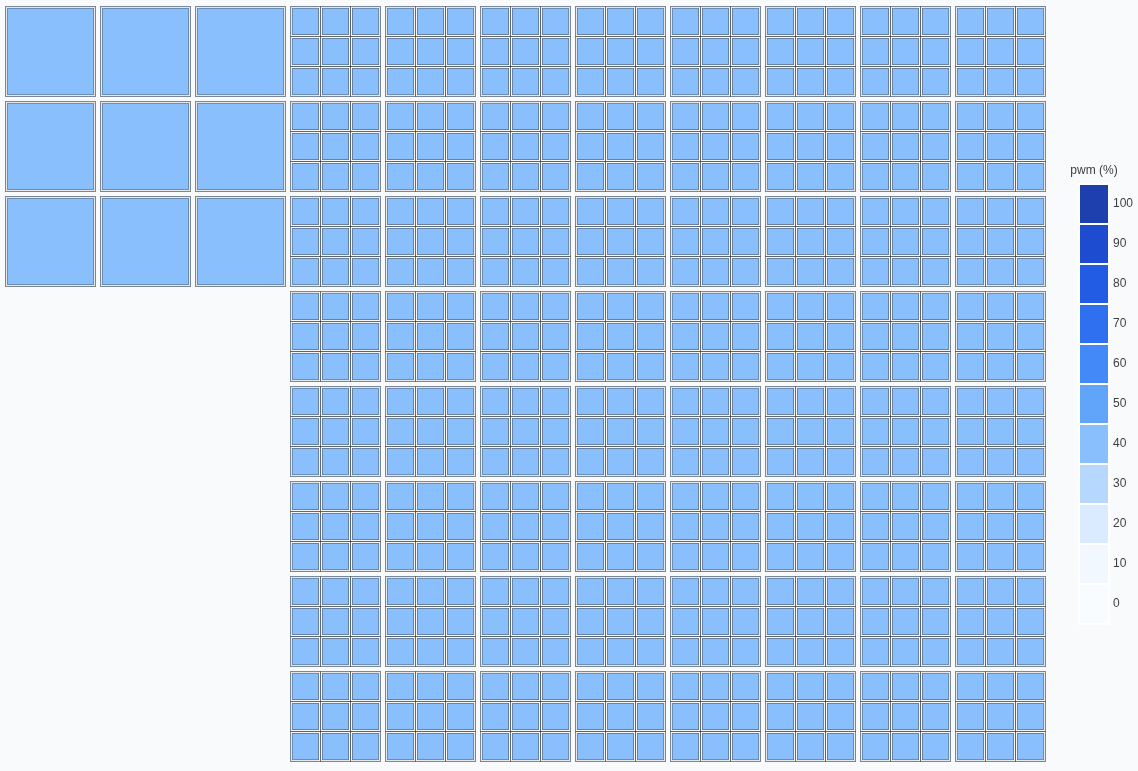
from windsuite_sdk import WindsuiteSDK

sdk = WindsuiteSDK(base_url="http://windshape.local")
sdk.start_communication()

sdk.set_psu(state=psu_state)
time.sleep(1)
sdk.fan_controller.set_intensity(percent=50).apply()